

HQS Pro Player V4
One player.Every screen.
Media you bring. On every screen of the brand.
HQS Pro Player V4 plays. The website does not sell packages, lists, or channels.
Devices
Three classes, one brand.
PhoneFor away from home. The same brand, shaped for a touchscreen. An installer exists only once it is published here.
Tablet and large screensFor the table and the desk. The brand mark shows this class beside the phone and the television.
- Deutsch
- English
- Türkçe
- Русский
- Español
- Français
- العربية
Features
What the software carries.
Six points. Each one can be translated in the admin.
Every screen
The brand stands for television, phone, tablet, and larger screens. The same product line, for the device in front of you.
A player, not a lineup
HQS Pro Player V4 plays media. The software does not include channels, films, or sports rights.
Your own sources
You open media and playlists that you own or are allowed to use. The operator cannot see those private sources.
Captions from the source
If your file or stream includes captions, they can be shown during playback.
A calm interface
Large surfaces, clear paths, little distraction. Readable from the sofa and usable with a finger on the phone.
Seven languages
This website speaks German, English, Turkish, Russian, Spanish, French, and Arabic. Arabic is set right to left.

HQS Pro Player V4 includes no television channels and no library. You obtain content and access yourself, and only where the law allows it.

The product
Playback, kept apart from content.
The mark shows a phone, a tablet, and a larger screen. HQS Pro Player V4 is the software for them. It opens what you lawfully bring. It does not fill the device with a lineup from us.
How it startsPath
Three steps, no detour.
File, source, playback. This page promises nothing more.
01
Get the software
Use only files the operator publishes on this website. Other sources are not part of this offer.
02
Add a source
Enter the media source you are allowed to use. Access details do not belong in the contact form.
03
Play
Start playback on the device in front of you. Format and network decide whether a source plays there.
Surface
Pictures, when they are real.
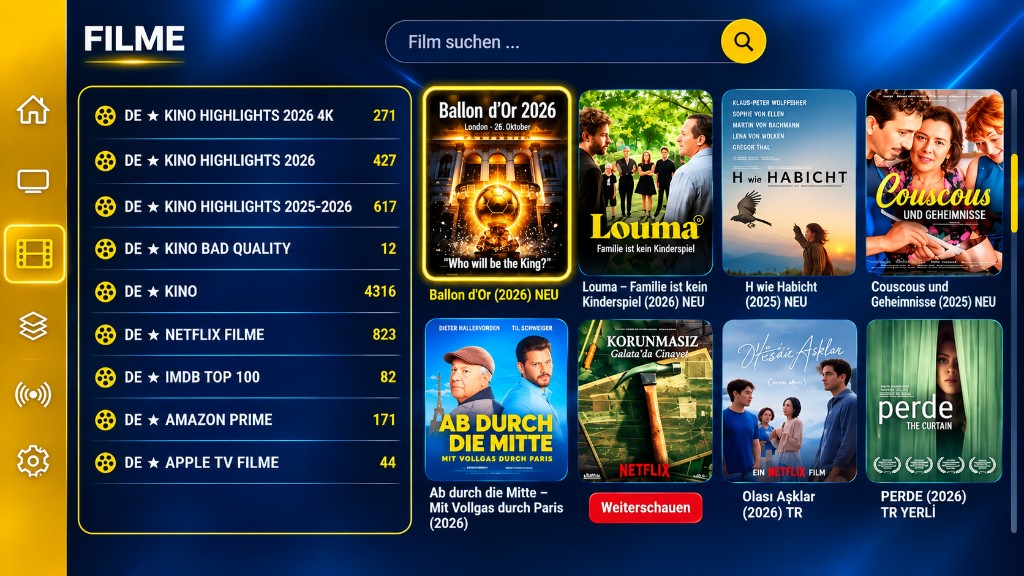
Until then the frame stays empty. No invented app surface.
HQS Pro Player V4
Application images appear here once they are published in the admin.
Downloads, empty on purpose.
A link appears only when the operator releases a file. Before that there is no button into nowhere.
No installer files have been published yet.
To the downloadsAnswered briefly.
No. HQS Pro Player V4 is a media player. This website has no channels, no library, and no subscription. Playback comes from sources you provide.